MailMind Blog
Straight answers for people who live in Gmail: which Mac and iPhone mail app fits, what each one keeps on its servers, and how to fix the parts of Apple Mail that annoy you.
 Guide
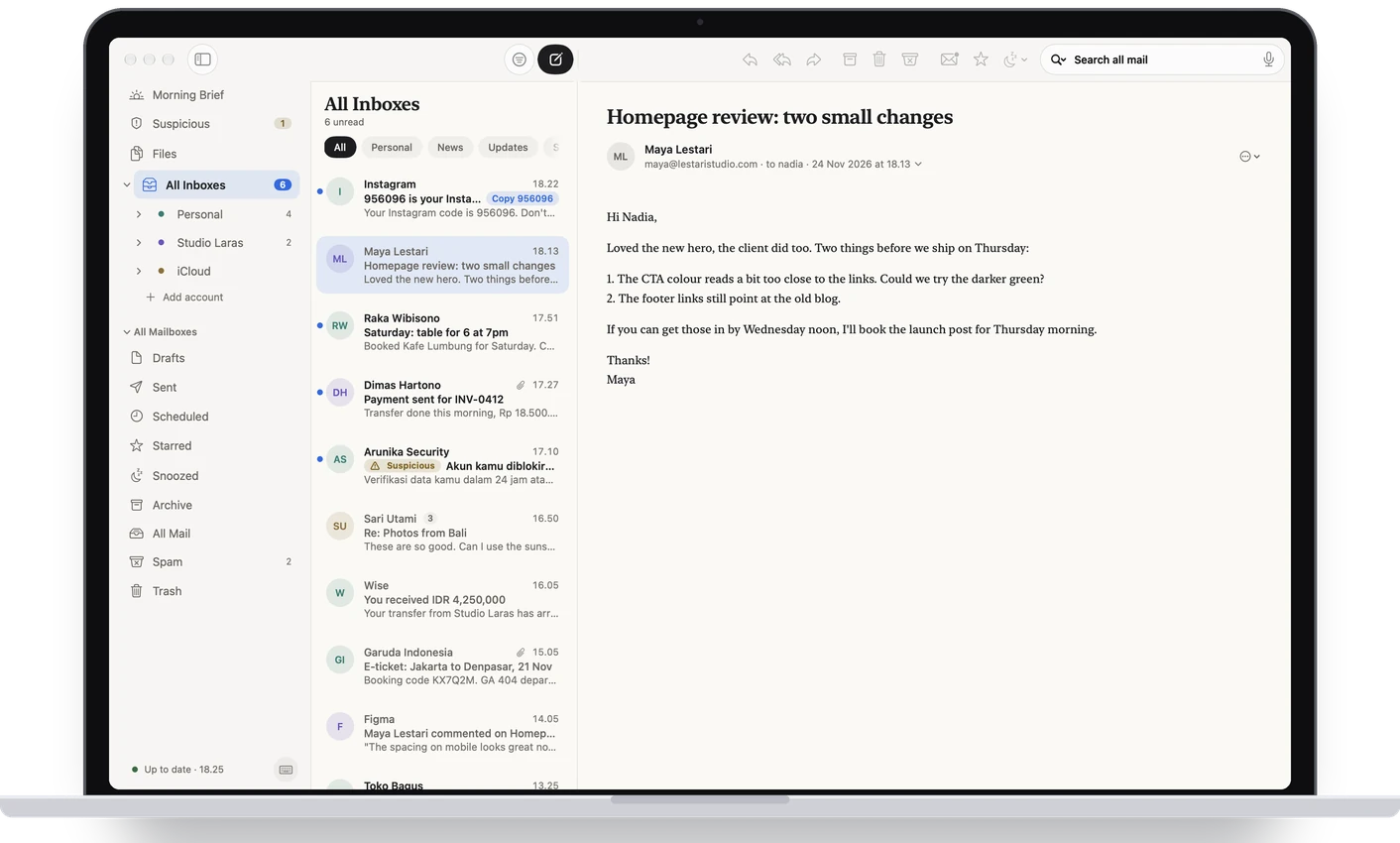
Notion Mail Alternatives After the Shutdown (2026)
Notion Mail closed on 22 September 2026. Your Gmail is still there; here are the apps that do what it did, with prices checked in November 2026.
- Guide
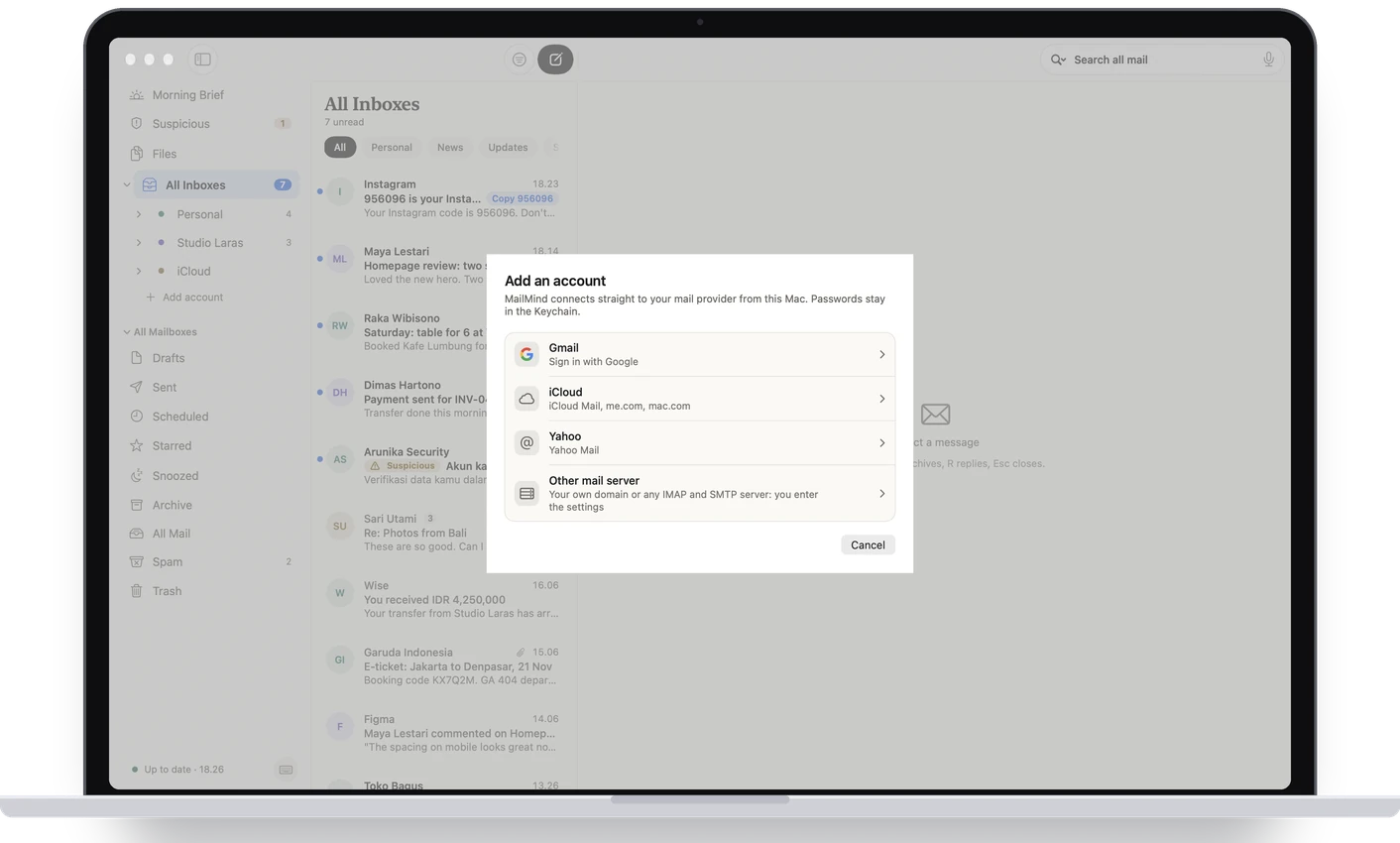
Email App With On-Device AI (No Cloud Summaries)
How to summarize email without sending it to a cloud AI: what on-device means, what to check in any app, and how MailMind does it.
 Guide
Apple Mail Re-Downloading All Mail: Why and What to Do
Why Apple Mail suddenly downloads every email again after a rebuild, update or account change, how to let it finish, and what not to do.
- Guide
Apple Mail Search Not Working? Fixes That Work
Apple Mail search misses mail when its index breaks. Check the search scope, rebuild the mailbox, re-index Spotlight, then re-add the account.
- Guide
Apple Mail Smart Mailboxes as Saved Searches
Use Mailbox › New Smart Mailbox to save a search in Apple Mail. Each one matches any or all conditions, not a mix. Gmail saves searches as filters.
 Guide
How Much Space Does Apple Mail Use? How to Shrink It
Find out how big your Apple Mail folder is, why it grows, and the safe settings that shrink it without losing any mail.
- Guide
Block Email Tracking Pixels on Mac and iPhone
Turn on Protect Mail Activity in Apple Mail, or have Gmail ask before showing images. Here's what each setting stops and what it doesn't.
 Guide
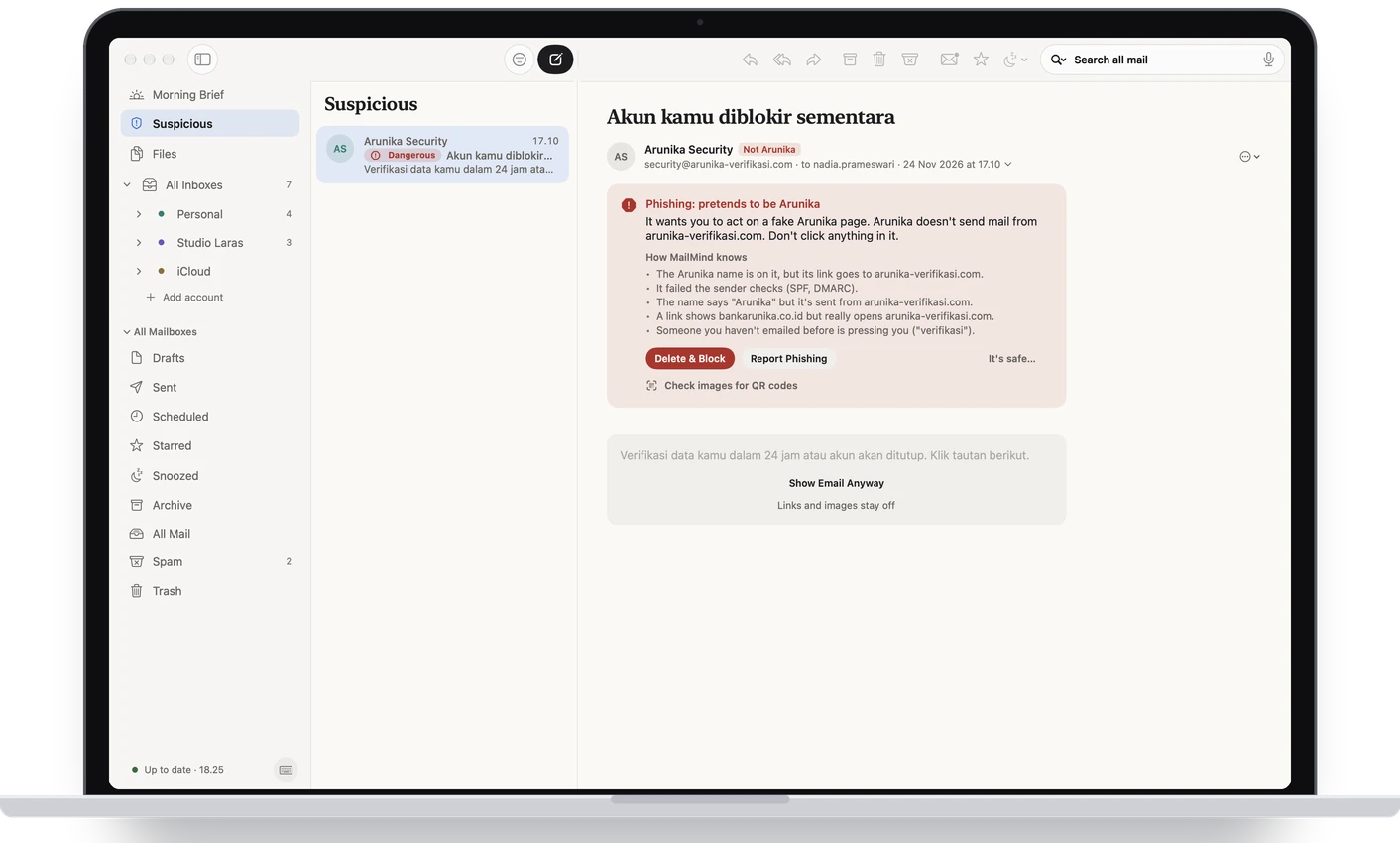
How to Check Where an Email Link Really Goes
Hover over the link on a Mac, or touch and hold it on iPhone, and read the domain right before the first single slash. Here's how to spot the tricks.
- Guide
How to Check if an Email Sender Is Real: SPF, DKIM, DMARC
Open the email's headers and look for SPF, DKIM and DMARC results. Then check the domain spelling and where links really go. A pass alone isn't proof.
- Guide
Copy 2FA Codes From Email Fast, Keep Inbox Clean
Let AutoFill fill codes from Mail and delete them after use, label code emails in Gmail, and never share a code. Plus MailMind's Copy code chip.
 Guide
Best Email App for Mac Without a Subscription (2026)
Free and one-time-purchase Mac mail apps compared, with prices checked in November 2026, plus which subscriptions you can skip.
- Guide
Attachments Outlook Users Can't See: Inline vs Attached
Files placed inside the text are sent inline, and some Outlook setups hide them. Send them as real attachments at the end of the email instead.
- Guide
Email Keyboard Shortcuts on Mac: Single-Key Triage
Apple Mail's shortcuts use the Command key. Gmail on the web has single-key ones once you turn them on. Both lists, plus a quick triage routine.
- Guide
Cara Mengenali Email Palsu BCA (dan Bank Lain)
Email resmi BCA hanya dari @bca.co.id atau @klikbca.com, dan BCA tidak pernah minta PIN atau OTP. Ini ciri email palsu dan yang harus kamu lakukan.
- Guide
Export a Mailbox as mbox or .eml from Apple Mail or Gmail
Back up email as mbox or .eml: Export Mailbox in Apple Mail, Google Takeout for Gmail, and how to import an mbox file back.
- Guide
Gmail Notifications Not Working on Mac, iPhone or iPad?
Gmail alerts stop when the tab is closed, the browser can't notify, a Focus is on, or iPhone saves battery. Here's how to fix each one.
- Guide
Gmail Search Operators: Cheat Sheet With Examples
The Gmail search operators worth knowing, from from: and filename: to older_than: and AROUND, in one table with examples you can copy.
- Guide
How to Tell If an Email Is Phishing (Examples)
Check the real sender address, where links go, and whether it pushes you to act fast or pay a new way. Then open the site yourself, never the link.
- Guide
Kode OTP Lewat Email: Cara Salin Cepat dan Aman
Jangan pernah kasih kode OTP ke siapa pun. Pakai Isi-Auto di iPhone dan Mac untuk mengisinya cepat, lalu hapus email kodenya setelah dipakai.
- Comparison
MailMind vs Apple Mail for Gmail (2026)
Apple Mail is free and built in, but shows Gmail labels as folders and checks Gmail on a schedule on iPhone. See what MailMind changes.
- Comparison
MailMind vs Mimestream: Gmail on Mac and iPhone (2026)
Mimestream is a polished Gmail-only Mac app; MailMind adds iPhone, iCloud and IMAP, scam warnings and a free plan. See which fits.
- Comparison
MailMind vs Spark: a Private Spark Alternative (2026)
Spark keeps account access on its servers; MailMind connects from your device only. Compare privacy, price, AI and platforms.
- Comparison
MailMind vs Superhuman: a Cheaper Alternative (2026)
Superhuman costs about $30 a month; MailMind is free with Pro at $29.99 a year. Compare speed, keyboard shortcuts, AI and privacy.
- Guide
Reply From an Alias by Default in Gmail and Apple Mail
Add the alias, tell Gmail to reply from the address each email was sent to, and list the alias in Apple Mail so its From menu offers it.
- Guide
Find an Email by a Word Inside a PDF Attachment
Gmail can often match words inside attachments, Apple Mail only inside downloaded ones. How to find that PDF either way, plus filename: tricks.
- Guide
Stop Emails From Unknown Senders (Gmail, iCloud)
Gmail and iCloud have no screener switch. Block senders, use an Apple Mail rule for strangers, hide your address at signup, or use an app with a Screener.
- Guide
How to Stop Gmail's AI (Gemini) Reading Your Email
Turn off Gemini and smart features in Gmail's settings, what you lose when you do, and how to keep AI on your own device instead.
- Guide
Switch From Apple Mail Without Losing Rules and Signatures
Mail on Gmail, iCloud or IMAP stays on the server. Export On My Mac mailboxes, note your rules and copy your signatures before you switch apps.
- Guide
Fix Apple Mail with Gmail: Archive, Labels, Duplicates
Gmail duplicates, a broken Archive or an empty Sent folder in Apple Mail? Four settings fix it on Mac, iPhone and iPad.
- Guide
Gmail App for Mac: Every Option Compared (2026)
Google makes no Gmail app for Mac. Compare the browser, Apple Mail, Mimestream, Spark, Outlook and MailMind on accounts, privacy and price.
- Guide
How to Manage Multiple Gmail Accounts on a Mac
Four ways to run several Gmail accounts on a Mac, from Gmail's account switcher to one unified inbox, with the limits of each.